Constellation
Explore your Markdown vault as a 3D sky of ideas. No accounts, no sync, all local.


Features
See Your Ideas in a New Dimension 
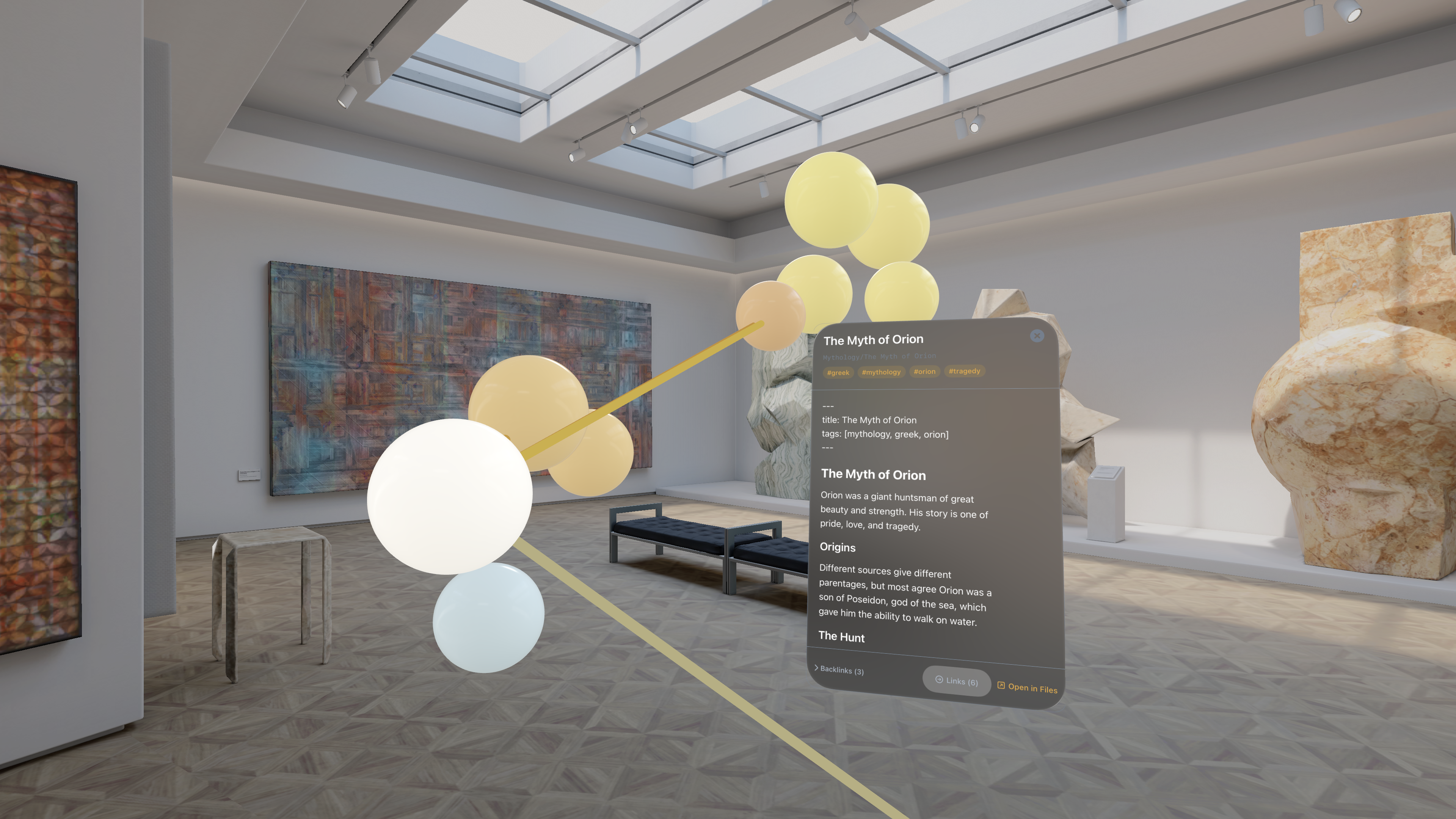
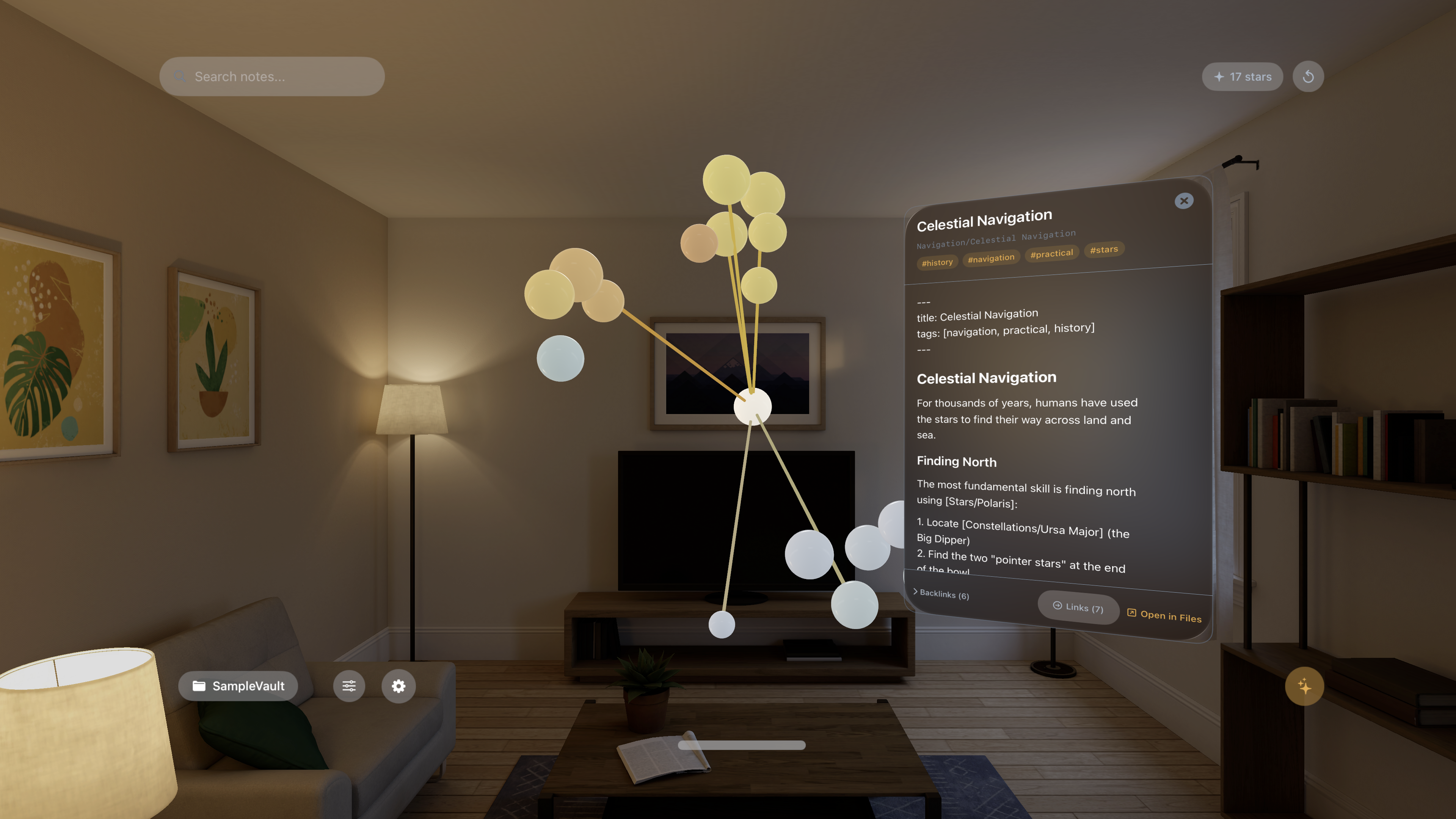
Constellation transforms your Markdown vault into an immersive 3D constellation on Apple Vision Pro. Watch your notes become glowing nodes, your links become connections, and your knowledge graph come alive in space around you.
Key Features 
- Spatial Graph Visualization: Your notes become a 3D constellation you can walk through and explore
- Obsidian & Logseq Compatible: Point Constellation at any folder of .md files
- Wikilink & Markdown Link Support: Both [[wikilinks]] and standard markdown links are parsed
- Tag & Folder Clustering: Group nodes by folder structure or by tags
- Multiple Themes: Choose from Dusk Sky, Deep Space, Minimal, and more
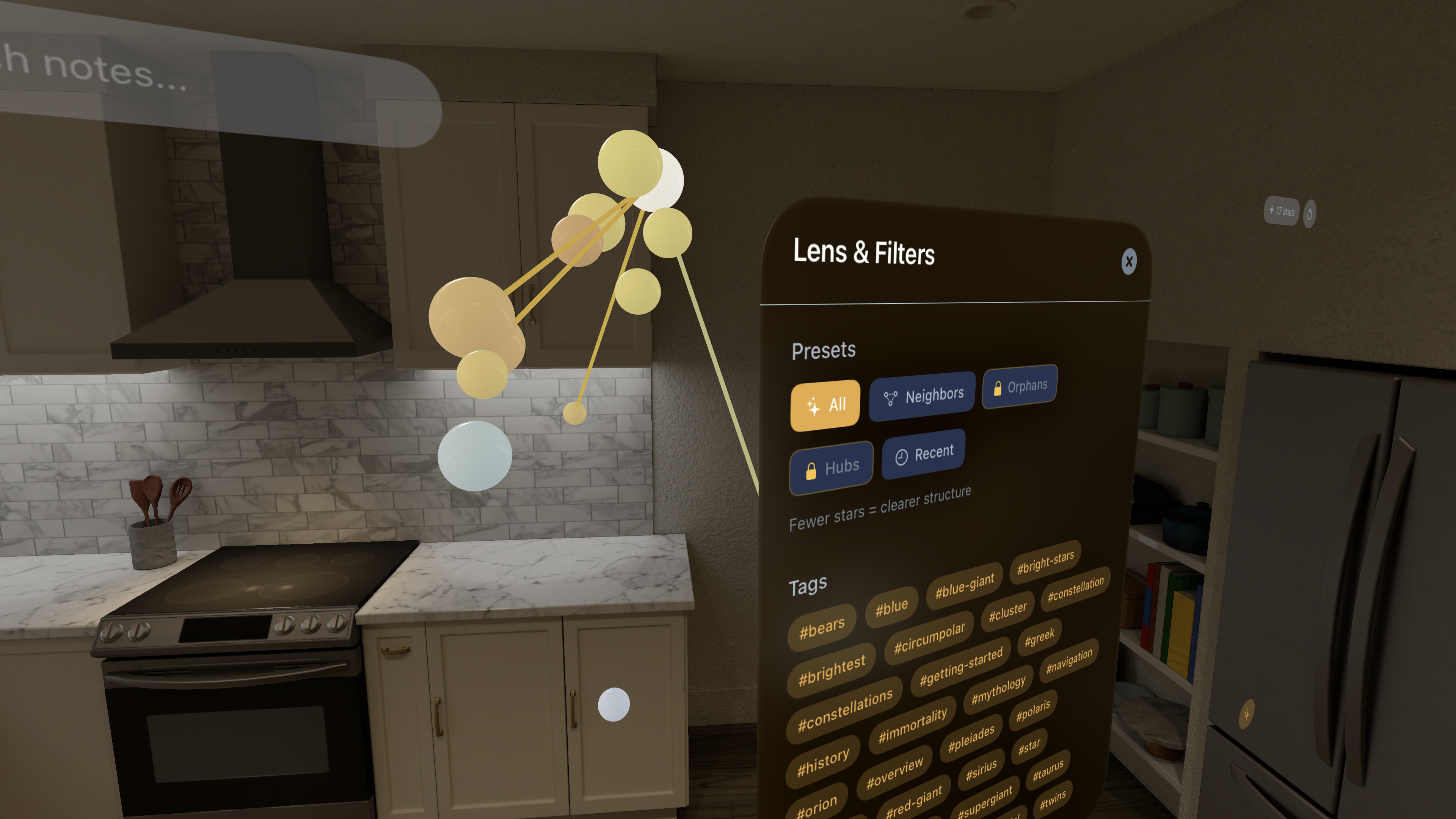
- Lens System: Dynamic filtering and density control to focus on what matters
- Floating Note Panels: Open notes in space that always face you as you move
How It Works 
- Point to a Folder: Select any folder containing .md files
- Watch It Build: Constellation scans, parses, and generates your 3D graph
- Explore in Space: Walk through your ideas, tap nodes to open notes
- Filter & Focus: Use the lens system to highlight specific clusters or connections
Perfect For 
- PKM Enthusiasts: Obsidian, Logseq, and plain Markdown power users
- Visual Thinkers: See relationships between ideas at a glance
- Knowledge Workers: Explore large vaults in a new way
- Spatial Computing Pioneers: Experience what native visionOS apps can do
Why Constellation? 
Traditional graph views are flat. Constellation lets you step inside your knowledge graph. Walk around clusters of ideas, zoom into dense areas, and discover connections you never noticed. It's not a note editor—it's an idea exploration environment.
Each session:
- Renders your vault in full 3D with force-directed layout
- Parses frontmatter, tags, and links automatically
- Remembers your spatial preferences and saved views
- Works completely offline—all processing happens on-device
Accessibility Built In 
- Reduced Motion Mode: Comfortable experience for motion-sensitive users
- Large Text Support: Enhanced readability for note panels
- High Contrast Mode: Improved visibility for all lighting conditions
- Comfort Layout: Optimized positioning for extended sessions
Privacy First 
- 100% Local: Your vault never leaves your device
- No Accounts: No sign-ups, no cloud sync, no servers
- No Analytics by Default: Opt-in only
- No Data Collection: We don't know what's in your vault
Technical Excellence 
Built with SwiftUI and The Composable Architecture (TCA), Constellation delivers smooth 3D performance using RealityKit. Native visionOS design with spatial gestures, billboard panels, and immersive rendering.
Pricing 
Free Tier:
- 1 vault, up to 300 notes
- Core themes and filters
- Full spatial navigation
Pro (Lifetime Purchase):
- Unlimited vaults and notes
- Advanced filters (orphan nodes, hub detection)
- Saved spatial sessions
- All accessibility features
Step inside your second brain. Explore with Constellation.