
Constellation
Walk through your Markdown vault in 3D. No accounts, no cloud, all local.



Your Knowledge Graph, Walkable 
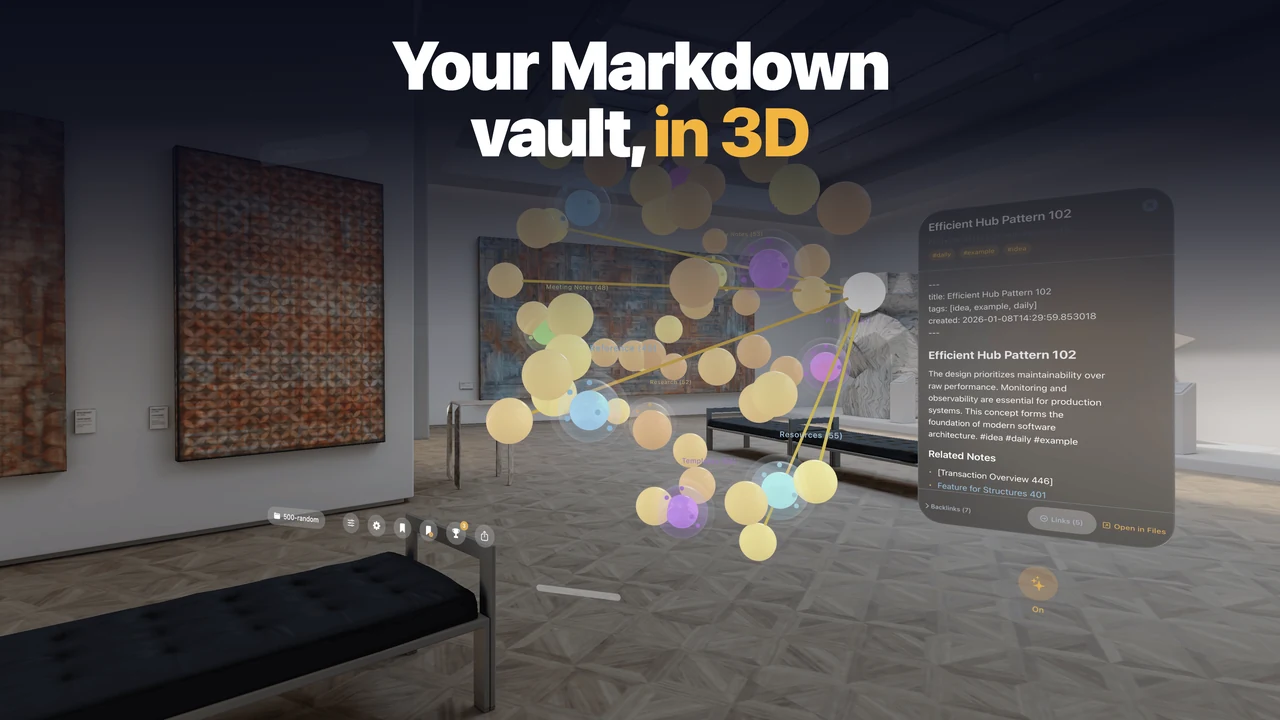
Constellation turns your Markdown vault into a 3D constellation you can physically walk through on Vision Pro. Notes become nodes. Links become threads of light. Patterns invisible in flat lists become obvious in space.
How It Works 
Point Constellation at any folder of .md files (Obsidian, Logseq, or plain Markdown). It parses your notes, wikilinks, tags, and frontmatter, then renders them as a spatial graph.
Interactions 
- Gaze at a node to see its connections
- Pinch to pull thoughts closer
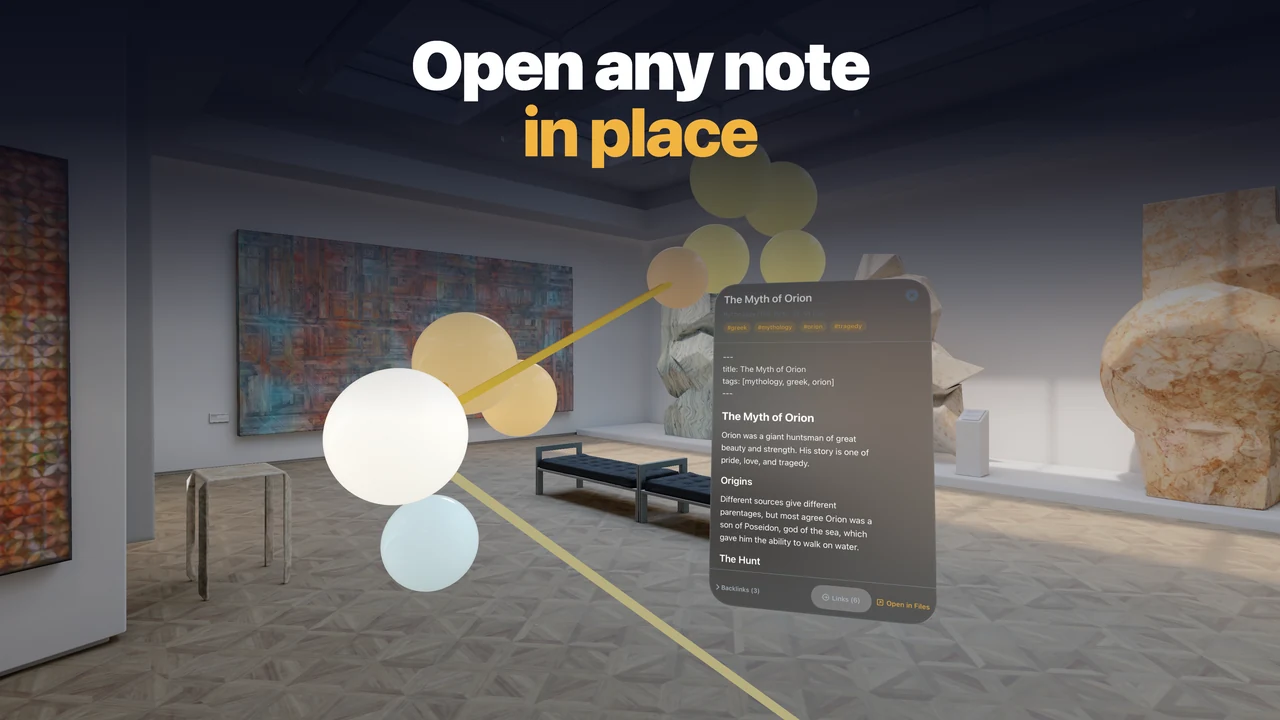
- Open notes in floating panels
- Filter by tag, folder, connection count, or recency
- Siri Shortcuts and Focus Filters support
Privacy 
Your vault stays on-device. No accounts, no cloud sync, no file modifications.
Support 
Something broken, or a feature you'd like? Email vadim@drobinin.com with the app version from Settings and, for vault problems, a rough sketch of the folder layout. I read every message.
Building for Apple Vision Pro? I take on visionOS projects.