visionOS & Vision Pro Development
visionOS and Vision Pro consulting. SwiftUI for spatial computing, RealityKit for 3D, gaze-and-pinch interaction design, and the pragmatic answer to whether your product should ship on Vision Pro at all.
- visionOS apps that use the space you're standing in
- porting an existing iPhone or iPad app to Vision Pro, from compatibility mode to a native spatial build where it earns one
- gaze-and-pinch interaction design that users discover on their own
- accessibility on Vision Pro: VoiceOver rotors, reduced motion, motion-sickness avoidance
What clients say
"Vadim was instrumental to the success Epsy enjoyed on iOS, taking it from an idea on a Miro board to the highest rated and most downloaded app of its kind on the store."
James C. · Mobile Engineering Lead, Epsy
"We had a strict deadline, and Vadim managed to complete the job in time. He gave us meaningful feedback and suggested better approaches, not trying to blindly stick to our specification."
Founder · Pre-seed streaming service
"I can say with confidence that it will be difficult to find a better developer. Vadim is achievement-oriented, highly organized, with very good communication skills."
Alex Z. · Co-Founder, eda.so
Related work
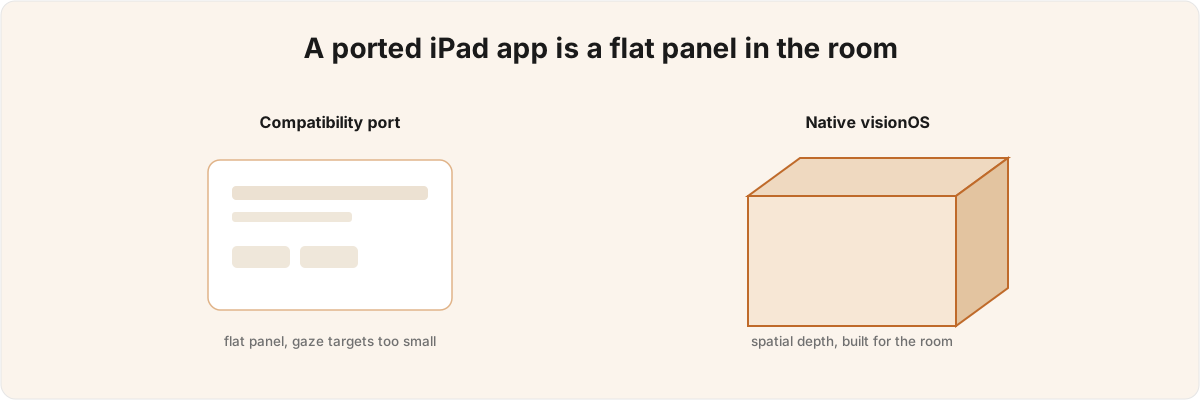
Why your iPad app feels broken on Vision Pro
A visionOS developer's read on why the compatibility iPad-port stalls on Vision Pro, and why a real spatial app is built on RealityKit from the start.
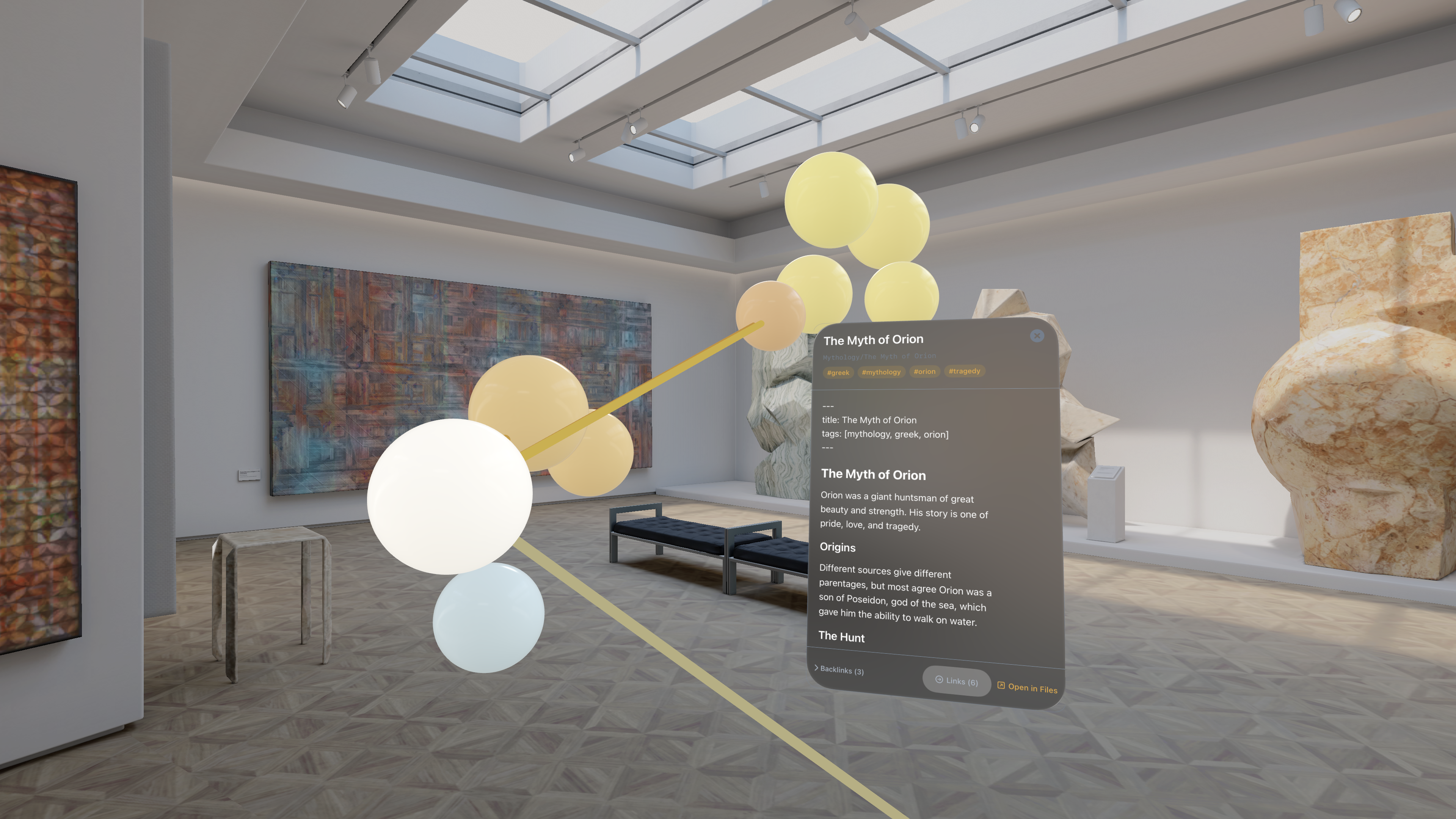

Constellation
Walk through your Markdown vault in 3D. No accounts, no cloud, all local.
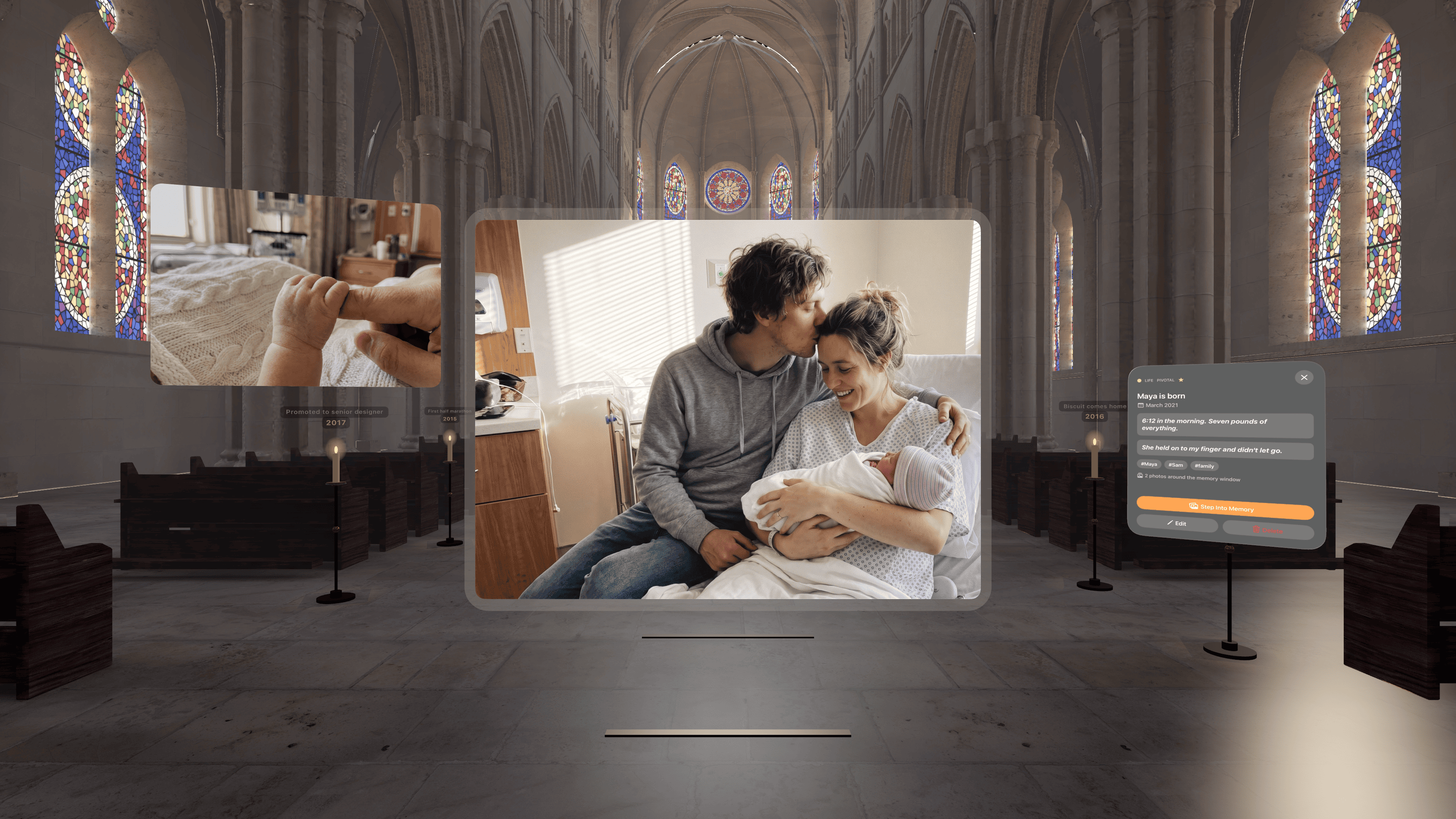

Span
Build your own memory cathedral
The most basic ideas of Augmented Reality development using Swift, and a summary of popular libraries for using markers and location-based tags.
Common engagements
'Should we build this on Vision Pro?'
Half-day to one-day call. I read the product brief and give you a direct answer with the reasoning. Half the Vision Pro projects I've been pitched should have been iPad apps. Better you know now.
Bring your iOS app to Vision Pro
Your iPhone or iPad app already runs on Vision Pro in compatibility mode, untouched. The question is whether that is good enough, or whether the app earns a native port. I check how the compatibility version feels in the headset, flag the screens that need spatial rework and the ones that are fine as they are, and build the native layer for the ones that benefit. Often the answer is a thin spatial layer over the app you already have rather than a full rebuild.
Design the spatial UX
2-3 weeks producing a working prototype for a product that already exists on iPhone/iPad. You see whether it delivers before committing to a full build.
Ship a visionOS 1.0
6-10 weeks alongside your iOS app. I design the interaction for spatial use from the first sketch, then build it on RealityKit and SwiftUI primitives.
Questions
Should we build on Vision Pro, and can you build it?
Both - I'll give you a direct yes or no first, since half the Vision Pro projects I've been pitched should have stayed iPad apps. If it's a yes, I design the interaction for spatial use from the first sketch and build it on RealityKit and SwiftUI; Constellation, my own shipped visionOS app, is the example. Your existing iPhone or iPad app also already runs on Vision Pro in compatibility mode, so sometimes the answer is a small native layer rather than a full build.
Does our product belong on Vision Pro?
It depends on whether your product uses the space. Good candidates: spatial browsing of dense data (graphs, CAD, architectural review), training or simulation where 1:1 scale matters, ambient reference that benefits from peripheral visibility, entertainment that exploits presence. Poor candidates: traditional 2D productivity, forms, settings, anything the user would open in a queue.
Can you reuse our iOS codebase?
Most SwiftUI views port with minor tweaks. RealityKit-heavy parts are visionOS-specific. I'll map the reuse boundary in the first engagement day so you know what's free and what's bespoke.
Can you build with RealityKit outside Vision Pro?
Yes. RealityKit runs on iOS, iPadOS, and macOS. If your AR feature or 3D viewer doesn't need visionOS-specific gestures or spaces, you can ship it on iPhone today and bring it to Vision Pro later when scope allows.
Will users get motion sick on Vision Pro? Should we worry?
Yes, and the ones most affected don't always report it. It shapes more of the interaction design than teams expect: reduced motion settings, how content moves relative to the head, where ornaments sit when the user's gaze fatigues. Worth designing around from the first sketch rather than patching later.
We don't want the app to feel like an iPad window floating in space. Can you make it feel native?
Yes. This is the most common reason teams bring me in. Using the room means mixing SwiftUI windows with RealityKit volumes and immersive spaces, handling gestures on 3D entities, and thinking in world coordinates instead of screen coordinates. Apps that skip this step ship an iPad app that happens to float.
Are you an agency, or do we work with you directly?
Directly - you're hiring me, one senior iOS engineer who writes the code, rather than an agency that routes you through a project manager and a team you never meet. For a lot of my clients that's the whole point: one person who owns the work end to end.
How quickly can you start?
A quick call can happen within days. For project work I usually need 1-2 weeks to clear the calendar, though I keep some buffer for urgent firefighting.
Do you work with early-stage startups?
Yes, from pre-seed to Series C and beyond. For very early teams, a short advisory engagement often makes more sense than a full build: you get the architecture guidance without committing to a large piece of work before you've validated the product.
What's included when we work together?
Everything: code, architecture decisions, code review, documentation, async Slack availability during working hours. No surprise add-ons. I bill for time spent working on your project, not for "thinking about it in the shower."
We're in a different timezone. Will that slow things down?
I'm currently in Vancouver (PST), with full overlap for North American teams. For UK and Europe, I'm online by their afternoon. For Gulf or APAC, we'd agree on overlap hours and handle the rest async. I've worked with teams from San Francisco to Dubai.
Areas I cover
Related consulting
Where I've worked CV LinkedIn
Building for Vision Pro?
Tell me what you're working on. I reply within 48 hours.