Tuck
Scan a grocery receipt to get a meal plan

From Receipt to Meal Plan 
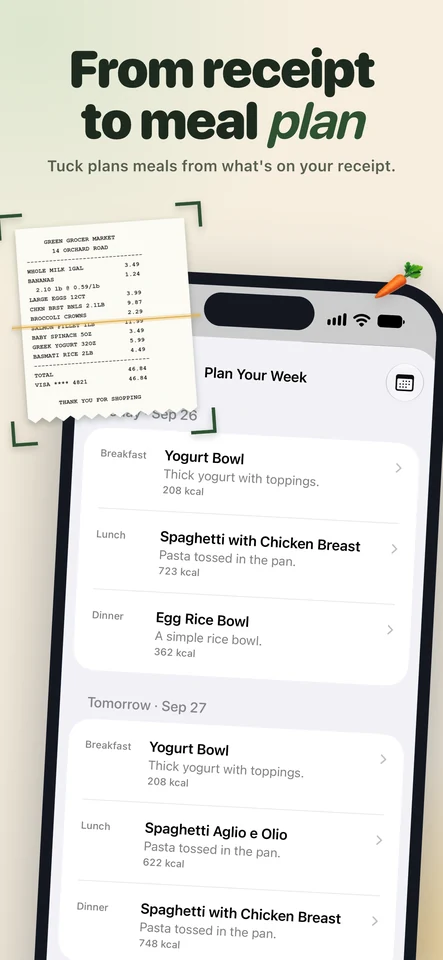
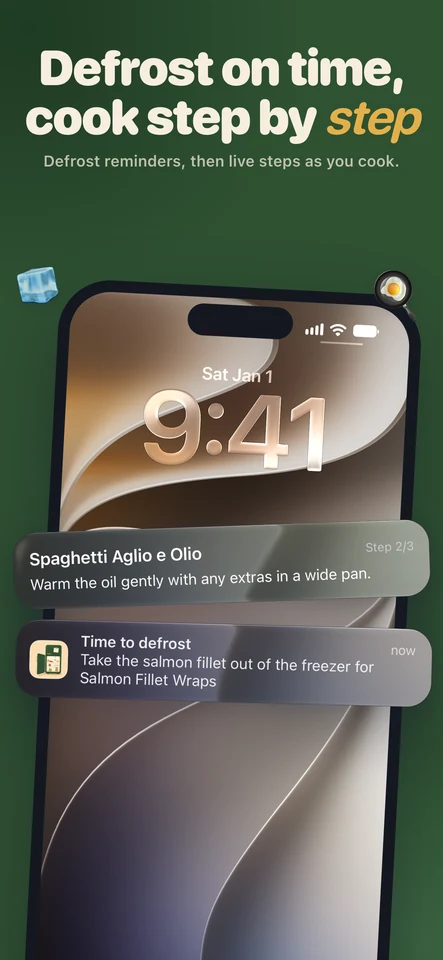
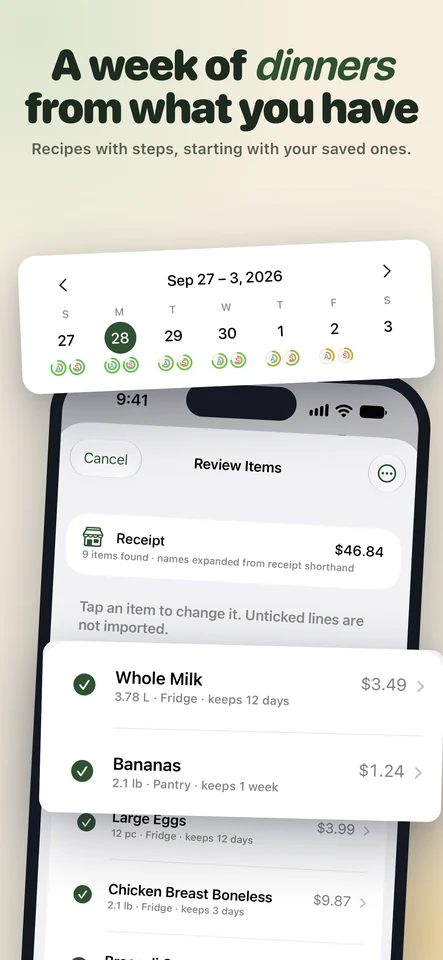
Tuck reads your grocery receipt, puts each item in the fridge, freezer or pantry with a shelf life, and plans the week's meals from what you actually have - starting with whatever spoils first. When something needs to come out of the freezer, it reminds you the evening before, and Cook Mode keeps the current step on your Lock Screen while you cook.
Key Features 
- Scan a receipt and get every item with its storage spot and shelf life
- A week of meals planned from your pantry, using what spoils first
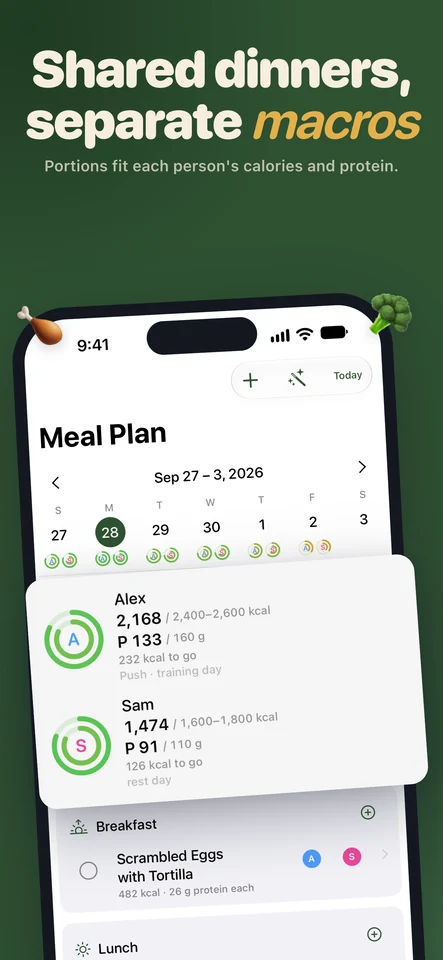
- Shared meals with portions sized to each person's calories and protein
- A shopping list with only what the week is missing
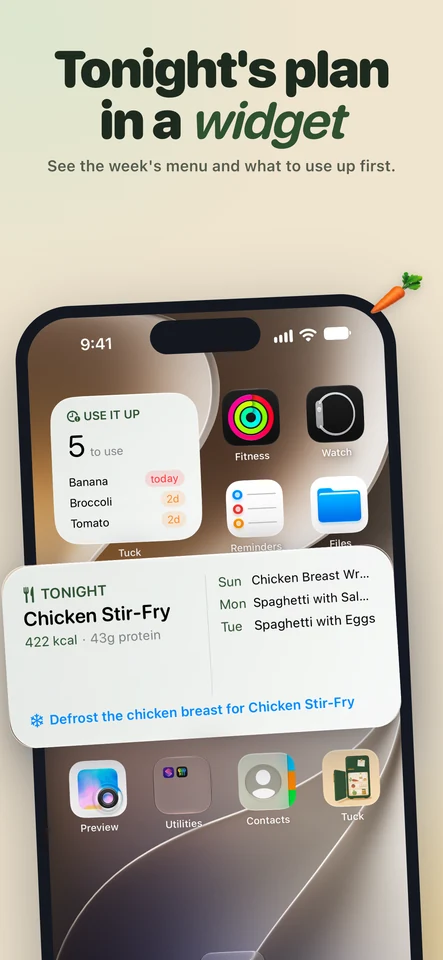
- Defrost reminders the evening before a meal
- Cook Mode with the current step as a Live Activity
- Widgets for tonight's dinner and what to use up
Why Tuck? 
Most meal planners start from recipes and send you shopping for them. Tuck starts from the food you already bought, so less of it ends up in the bin.
Common questions
Does Tuck need an account?
No. Your pantry, plans and recipes sync through your own iCloud, and Tuck has no servers of its own.
How does it read a receipt?
Text recognition runs on your iPhone, so the list of items appears as soon as the scan ends. Store shorthand like CHKN BRST BNLS is expanded straight away, and the few lines it can't read are checked by Apple Intelligence. You review every line before anything goes into your pantry.
Can two people with different goals share a plan?
Yes. Add everyone you cook for with their calorie range and protein. Meals are shared, and each person's portion is sized to their own target, on training days and rest days alike.
What's free?
The pantry, barcode scanning, the meal calendar, grocery lists, reminders and widgets. Tuck+ adds receipt and photo scanning, week planning and recipe writing.