Make Your iOS App AI-Ready for iOS 27
Every team is being told to make their app 'AI-ready' for iOS 27, and almost nobody agrees on what that means. For most apps it comes down to three jobs: Apple's on-device and server models where they fit, App Intents so Siri and Shortcuts can run your app, and a fallback for the large share of devices that cannot run the AI at all. Most apps need only some of these. I scope which ones pay off for yours, build those, and send you to the deeper page for each.
- scoping what 'AI-ready' means for your app, so the budget goes to features your users can reach on the hardware they own
- Apple's Foundation Models on-device and on Private Cloud Compute, plus the device-tier fallback that decides whether the feature ships at all
- App Intents and assistant schemas, so Siri and Shortcuts can run your app without turning premium actions into free Siri commands
- your own models through Core ML for the cases where Apple's fixed model is the wrong tool
What clients say
"Vadim was instrumental to the success Epsy enjoyed on iOS, taking it from an idea on a Miro board to the highest rated and most downloaded app of its kind on the store."
James C. · Mobile Engineering Lead, Epsy
"We had a strict deadline, and Vadim managed to complete the job in time. He gave us meaningful feedback and suggested better approaches, not trying to blindly stick to our specification."
Founder · Pre-seed streaming service
"I can say with confidence that it will be difficult to find a better developer. Vadim is achievement-oriented, highly organized, with very good communication skills."
Alex Z. · Co-Founder, eda.so
Related work
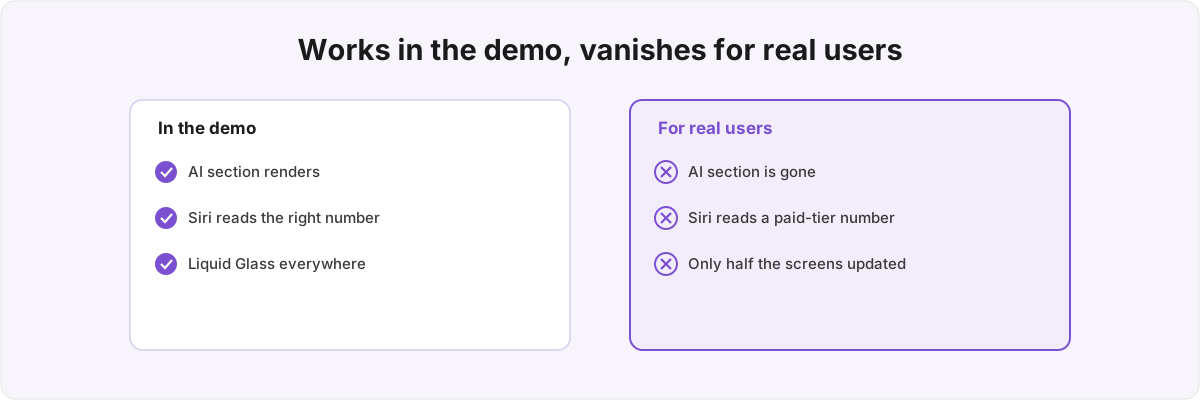
Getting your app ready for iOS 27
iOS 27 readiness is the plumbing nobody demos: availability gating, App Intents that read entitlement, and Liquid Glass on only half the screens.
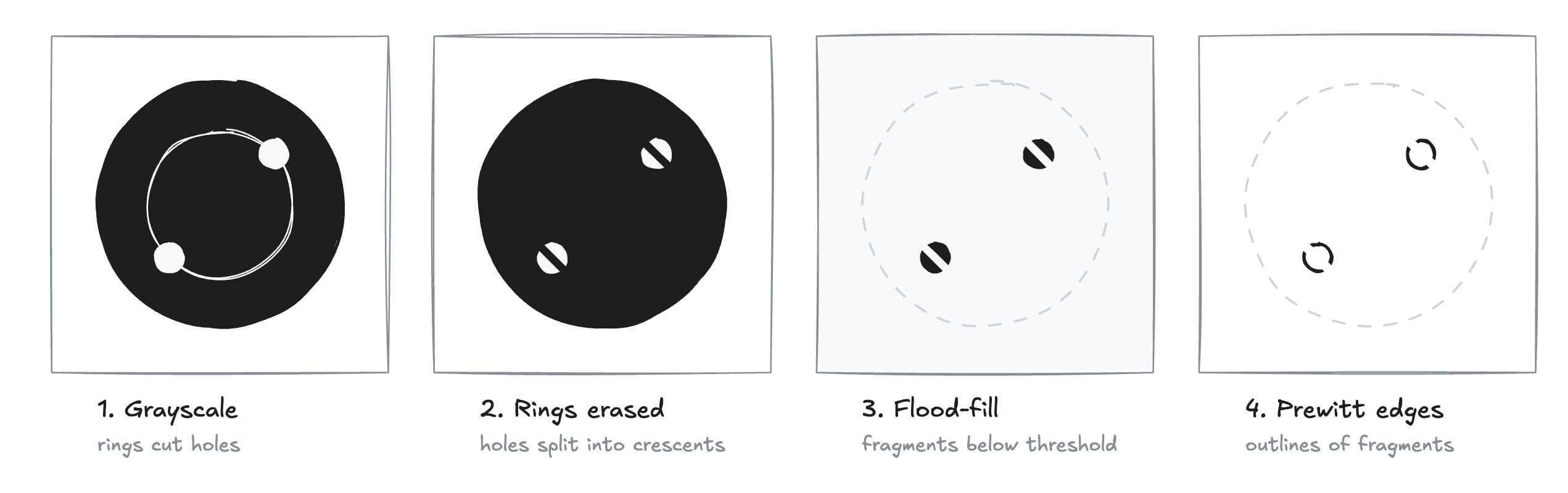
My Phone Replaced a Brass Plug
I wanted to cook venison from scratch, which meant learning to shoot, which meant keeping track of my progress, which meant porting a 2012 OpenCV paper and training a state-of-the-art computer vision model, which meant the dinner took a bit longer than expected.
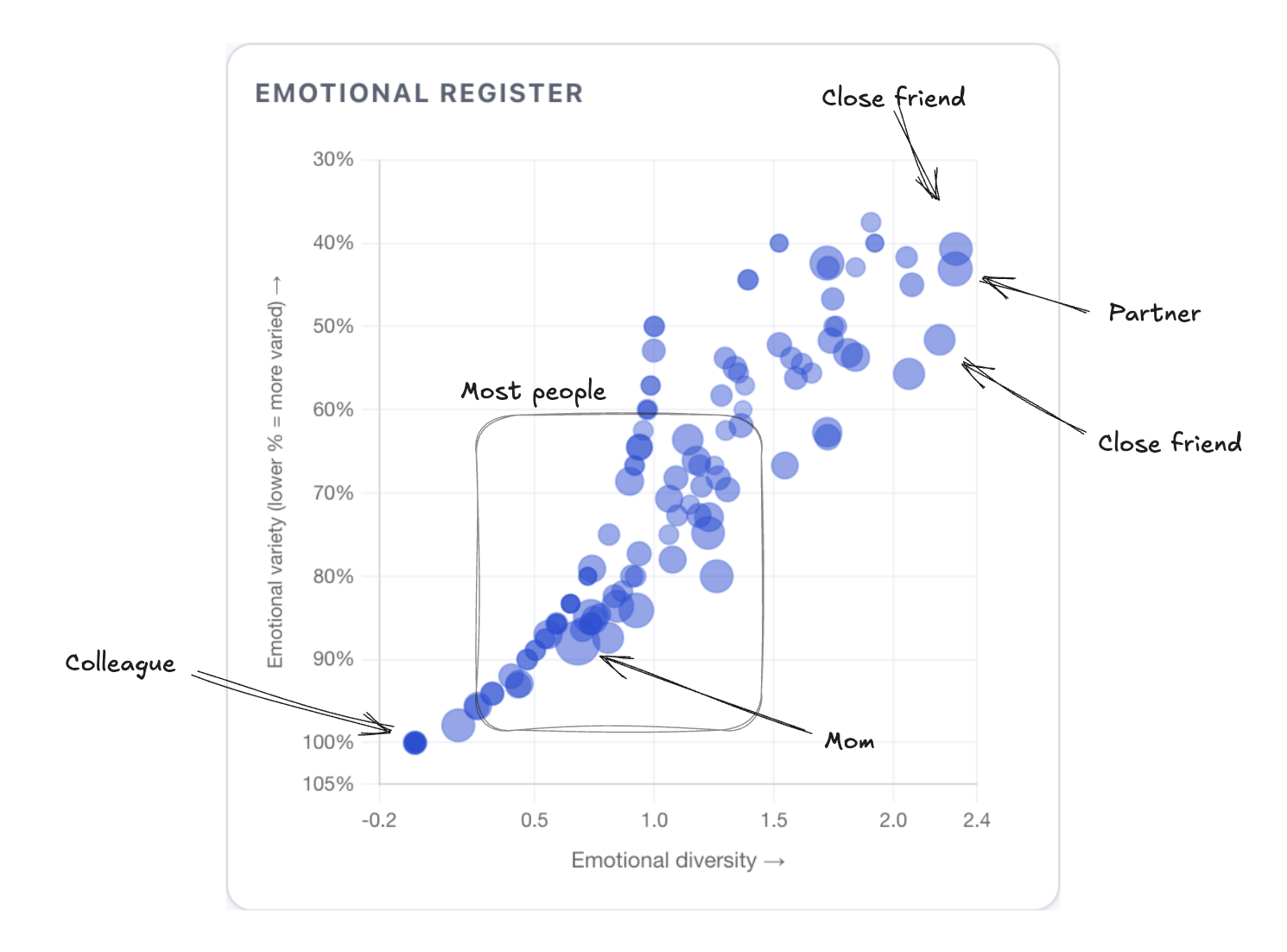
Am I a Bad Friend?
I analysed 20 years of my chats and turned 1.2M messages into a structured vault of my life - to win friends and influence people. Instead, I learnt things about my emotional bandwidth, endearment cycles, and friendship half-lives.
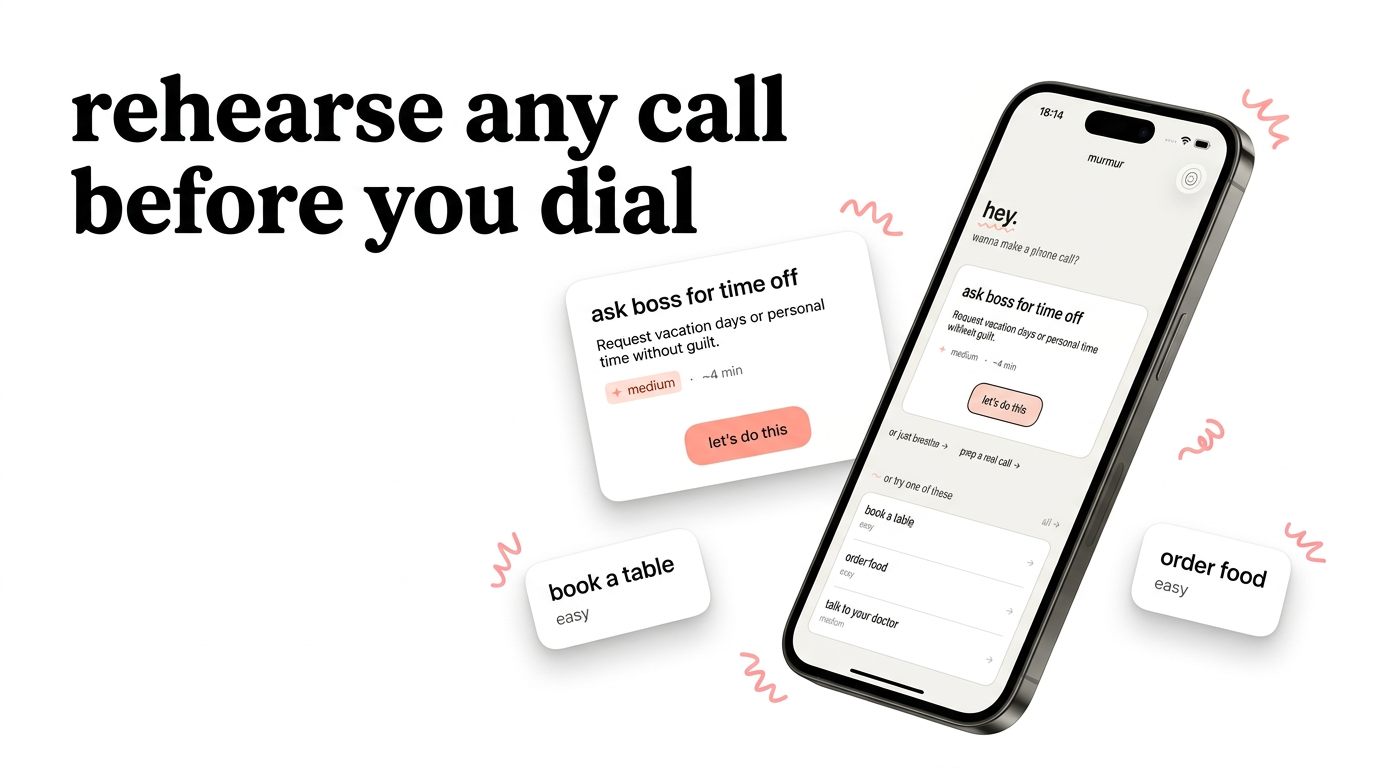

murmur
App of the Day in 35 countriesPractice difficult phone calls with AI. Build confidence, reduce anxiety.
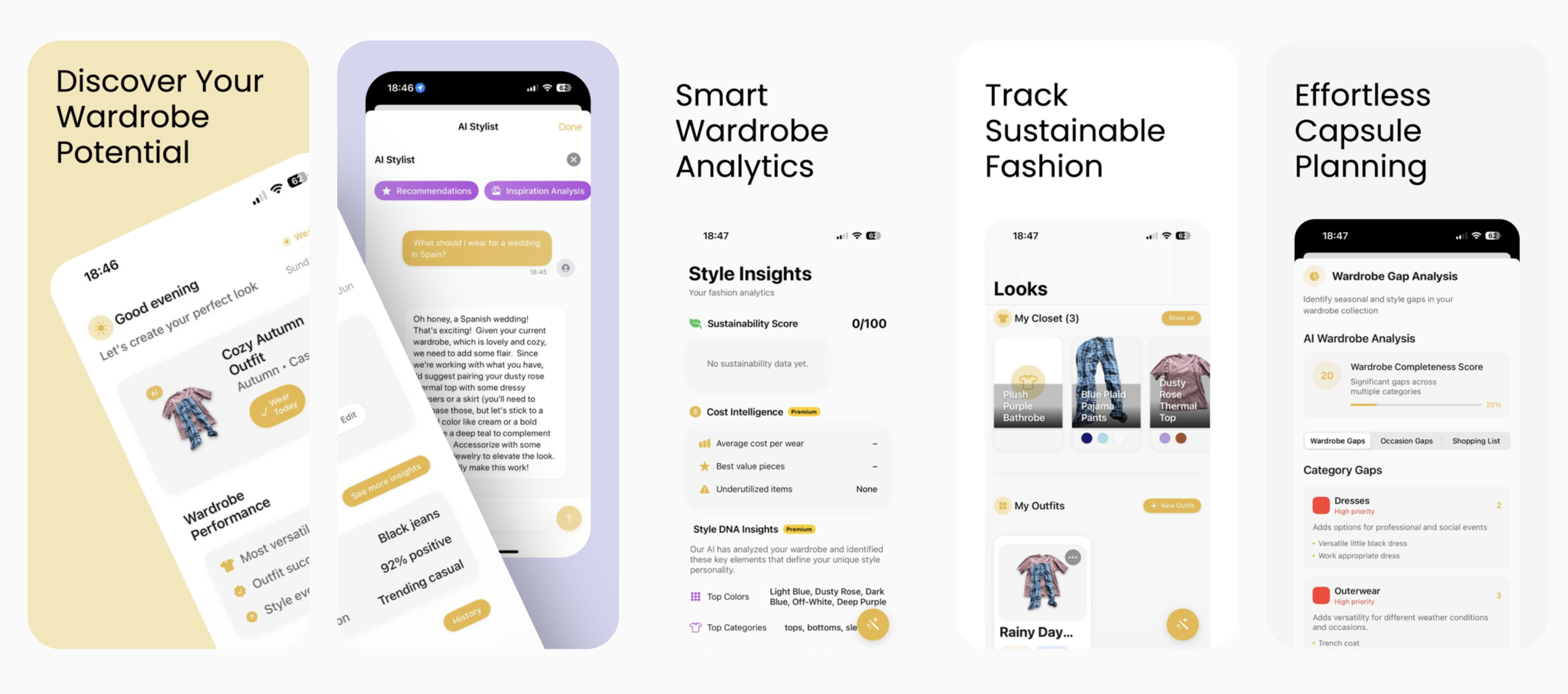

Layered
App Store's Best New AppsTurn your selfies into a personal AI stylist
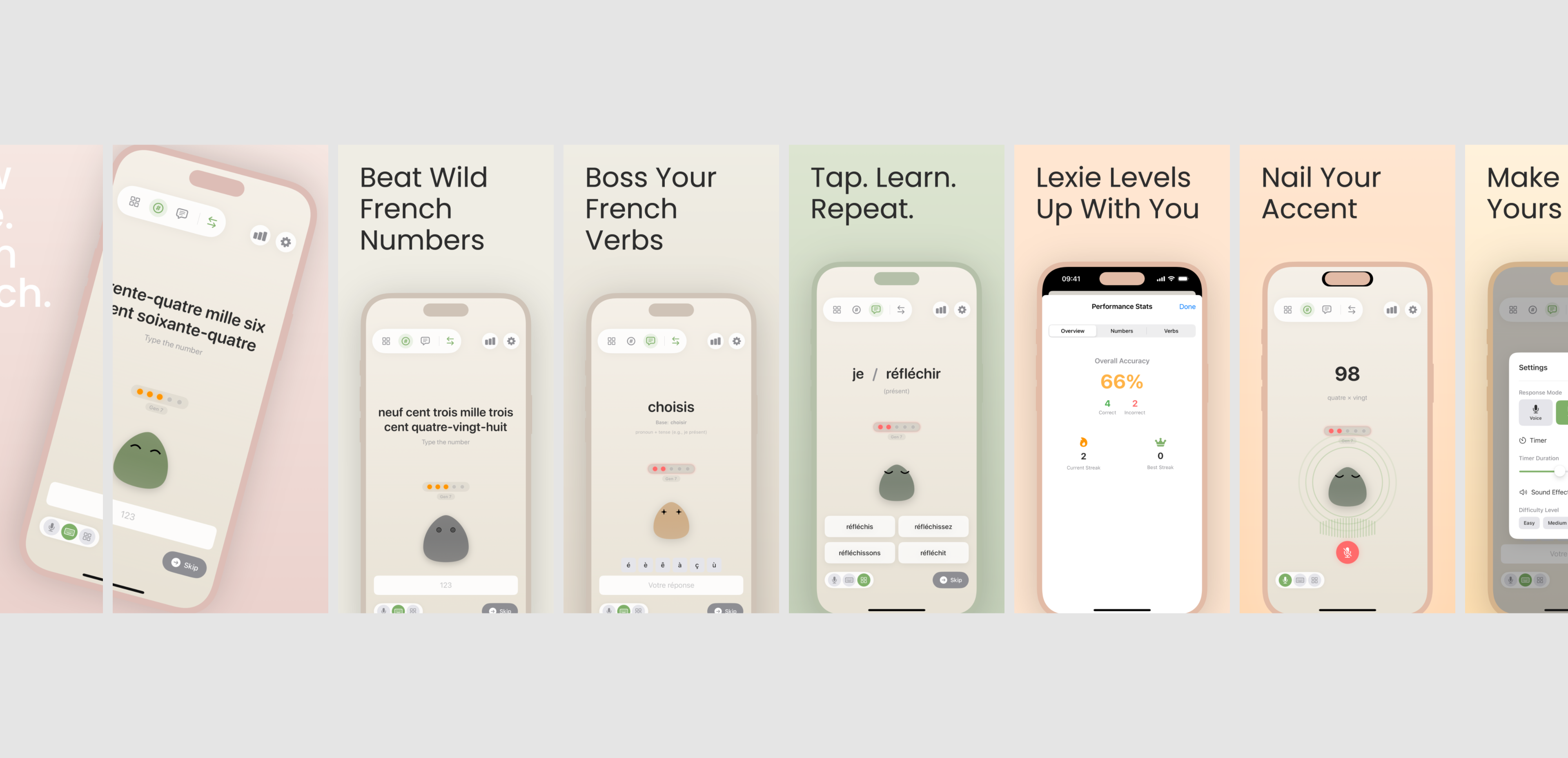

Lexie
PH's Product of the DayLearn French with your adorable pet blob companion
Folks tend to use Python or R for natural language process. Well, iOS developers probably shouldn't. Thanks to Apple, the NaturalLanguage.framework is a great tool for the majority of tasks. Let's see how we can lemmatize words, predict text and find answers all via NLP.
Common engagements
Scope your AI-readiness
Half-day to two days. I read your product and your install base, map which of the iOS 27 AI surfaces your app should use and which are a distraction, and give you a plan with the work ordered by what returns the most for the least effort. You come away knowing what 'AI-ready' costs for your app before you put real engineering time into it.
Build the AI features that fit
I take the surfaces the scoping kept (usually some mix of Foundation Models, App Intents, and a Core ML model you already own) and ship them with the fallback built in from the start, rather than bolted on once the crash reports arrive. Each area has its own deep page; this is the engagement that does several of them as one coherent body of work instead of three separate mini-projects.
Audit an AI feature you already shipped
You shipped something and it works on your phone. I check what happens on the devices that cannot run Apple's model, where premium actions leak through Siri, and whether you would even notice if the model's output quality slipped after the next OS update. The fixes come back ranked by what is costing you users or money first.
Questions
What does 'AI-ready' even mean? It feels like a marketing word.
It is vague, and that is half the problem. Concretely, for an iOS 27 app it means three things: you use Apple's on-device or server models where they fit, your app's actions are reachable from Siri and Shortcuts, and the feature still does something sensible on the devices that cannot run the AI. Most apps need one or two of those, not all three. The first thing I do is work out which, so you are not paying to build the parts your app does not need.
How do we add Apple Intelligence to our app?
'Apple Intelligence' is a marketing label over several separate frameworks - Foundation Models for on-device generation, App Intents for Siri, Spotlight, and Shortcuts - and adding it means choosing which of those your product needs. That choice depends on your features and your users' devices, which is what the scoping engagement above works out in half a day to two days. From there I build the surfaces that made the cut, with the device fallback part of the original scope.
Do we need this now, or is it hype we can wait out?
Some of it waits, some of it does not. The user-facing Siri features land in stages and in English first, so the conversational payoff is a late-2026 story for most markets. App Intents, Spotlight, and Shortcuts work today and pay off immediately, which is why I usually start there. If most of your users are in the EU, the timing shifts again, because the new Siri is blocked there under the DMA while Shortcuts and Spotlight are not.
We already pay OpenAI or Anthropic. Does this cut that bill?
Maybe, for part of it. Apple's on-device model is free to call, and there is now a server tier, so prompts that fit those stop costing you per token. Apple has not published full server pricing, so anyone promising a zero bill is guessing. The prompts that need real reasoning may still belong with your current vendor. The Foundation Models page goes through which prompts move cleanly and which do not.
Our app is mostly used on older iPhones. Is any of this worth it for us?
Then the fallback is most of the value for you, and that is fine. iOS 27 runs back to the iPhone 11, but Apple's on-device AI needs much newer silicon, so a big share of your users cannot run it. The work that matters for you is making the feature do something useful for them, through a server call or a lighter path, instead of shipping an AI feature most of your base never sees. App Intents and Shortcuts do not need the AI silicon either, so those reach everyone.
Are you an agency, or do we work with you directly?
Directly - you're hiring me, one senior iOS engineer who writes the code, rather than an agency that routes you through a project manager and a team you never meet. For a lot of my clients that's the whole point: one person who owns the work end to end.
How quickly can you start?
A quick call can happen within days. For project work I usually need 1-2 weeks to clear the calendar, though I keep some buffer for urgent firefighting.
Do you work with early-stage startups?
Yes, from pre-seed to Series C and beyond. For very early teams, a short advisory engagement often makes more sense than a full build: you get the architecture guidance without committing to a large piece of work before you've validated the product.
What's included when we work together?
Everything: code, architecture decisions, code review, documentation, async Slack availability during working hours. No surprise add-ons. I bill for time spent working on your project, not for "thinking about it in the shower."
We're in a different timezone. Will that slow things down?
I'm currently in Vancouver (PST), with full overlap for North American teams. For UK and Europe, I'm online by their afternoon. For Gulf or APAC, we'd agree on overlap hours and handle the rest async. I've worked with teams from San Francisco to Dubai.
Areas I cover
Related consulting
Where I've worked CV LinkedIn
Making your app AI-ready for iOS 27?
Tell me what you're working on. I reply within 48 hours.